


Mechanical Gaming Keyboard Wired, 11 Programmable Backlit Modes, Hot-Swappable Red Switch, Anti-Ghosting, Double-Shot PBT Keycaps, Light up Keyboard for PC Mac
Mechanical Gaming Keyboard Wired, 11 Programmable Backlit Modes, Hot-Swappable Red Switch, Anti-Ghosting, Double-Shot PBT Keycaps, Light up Keyboard for PC Mac
Couldn't load pickup availability
Get it between - and -.


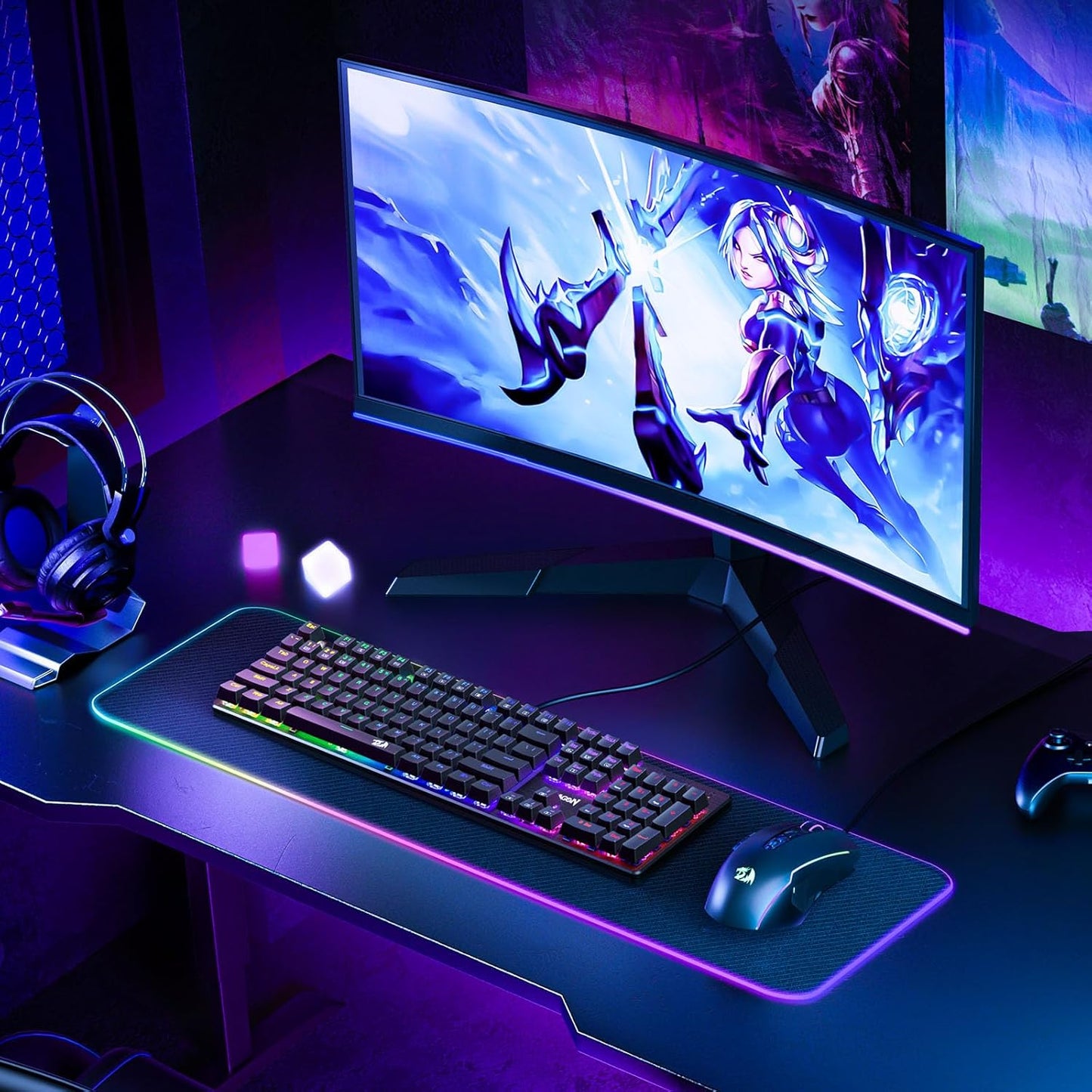
Mechanical Gaming Keyboard Wired, 11 Programmable Backlit Modes, Hot-Swappable Red Switch, Anti-Ghosting, Double-Shot PBT Keycaps, Light up Keyboard for PC Mac
-
Description
- Brilliant Color Illumination- With 11 unique backlights, choose the perfect ambiance for any mood. Adjust light speed and brightness among 5 levels for a comfortable environment, day or night. The double injection ABS keycaps ensure clear backlight and precise typing. From late-night tasks to immersive gaming, our mechanical keyboard enhances every experience
- Support Macro Editing: The K671 Mechanical Gaming Keyboard can be macro editing, you can remap the keys function, set shortcuts, or combine multiple key functions in one key to get more efficient work and gaming. The LED Backlit Effects also can be adjusted by the software(note: the color can not be changed)
- Hot-swappable Linear Red Switch- Our K671 gaming keyboard features red switch, which requires less force to press down and the keys feel smoother and easier to use. It's best for rpgs and mmo, imo games. You will get 4 spare switches and two red keycaps to exchange the key switch when it does not work.
- Full keys Anti-ghosting- All keys can work simultaneously, easily complete any combining functions without conflicting keys. 12 multimedia key shortcuts allow you to quickly access to calculator/media/volume control/email
- Professional After-Sales Service- We provide every Redragon customer with 24-Month Warranty , Please feel free to contact us when you meet any problem. We will spare no effort to provide the best service to every customer
Product description
The video showcases the product in use.The video guides you through product setup.The video compares multiple products.The video shows the product being unpacked.-
Linear feedback, response faster, ideal for typing and gaming
Note: The driver only supports the Windows operating system
Spill-resistant Protection
Prevent accidental spills from interrupting your game
Ergonomic Design
Make your typing and gaming more comfortable
Full Key Anti-ghosting
All keys can work simultaneously, easily complete any combining functions without conflicting keys
Double-shot PBT Keycaps
No concerns about keycap fading even with prolonged use
-
How to download the driver?
Follow the video instructions, download and install the software, plug and play.
Note: The driver only supports the Windows operating system.
The video showcases the product in use.The video guides you through product setup.The video compares multiple products.The video shows the product being unpacked. -
How to use the software to edit your keybaord?
You can remap the key functions, add macro keys, change the light modes, and adjust the speed and brightness of the backlight.
NOTE: The backlight color can not be customized.
The video showcases the product in use.The video guides you through product setup.The video compares multiple products.The video shows the product being unpacked.
Programmable Mechanical Keyboard
Redragon Mechanical Gaming Keyboard with Red Switches and equipped with strong programmable function will be your best teammate.
Redragon is always committed to providing the most suitable gaming equipment for every gamer to enrich and enhance your gaming experience.
-
What should I do if the keys do not work?
You can exchange the switch to fix it and the package includes 4 spare switches.
-
How can I change the backlight?
There are 11 backlights that can be chosen by pressing [FN]+[Ins] or the software, but the color can not be changed.
-
Features